Keyboard Bloom
A downloadable tool for Windows
A whole keyboard, quietly coming to life.
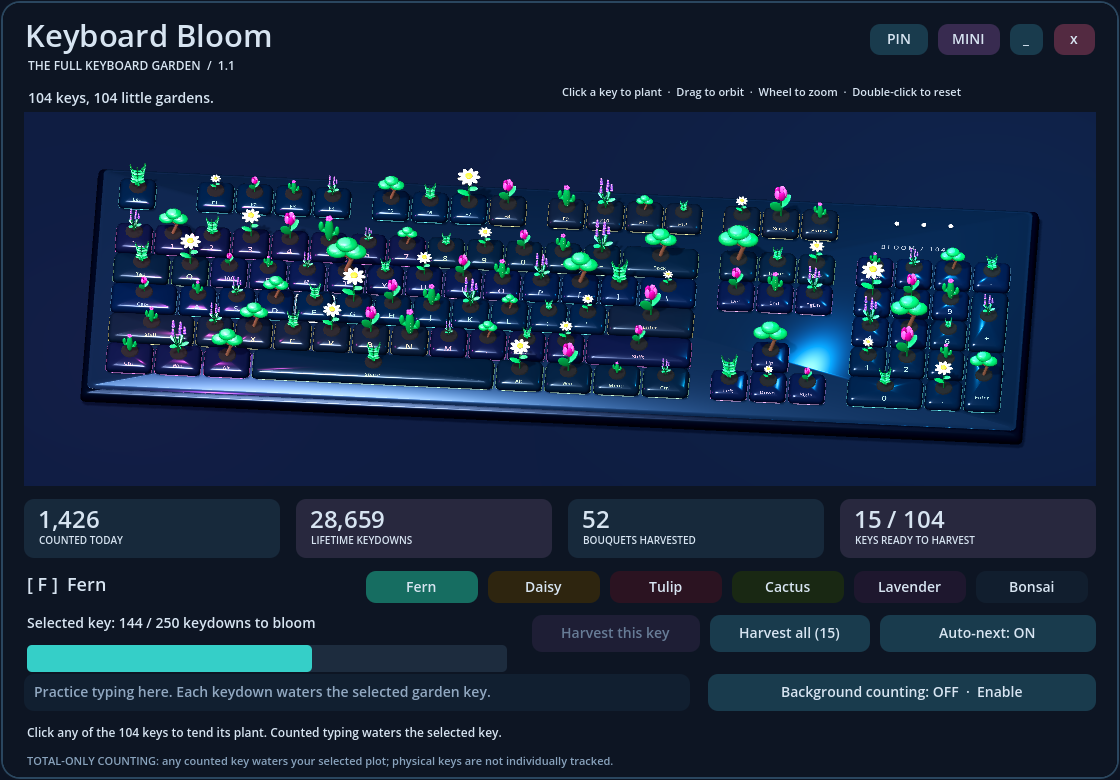
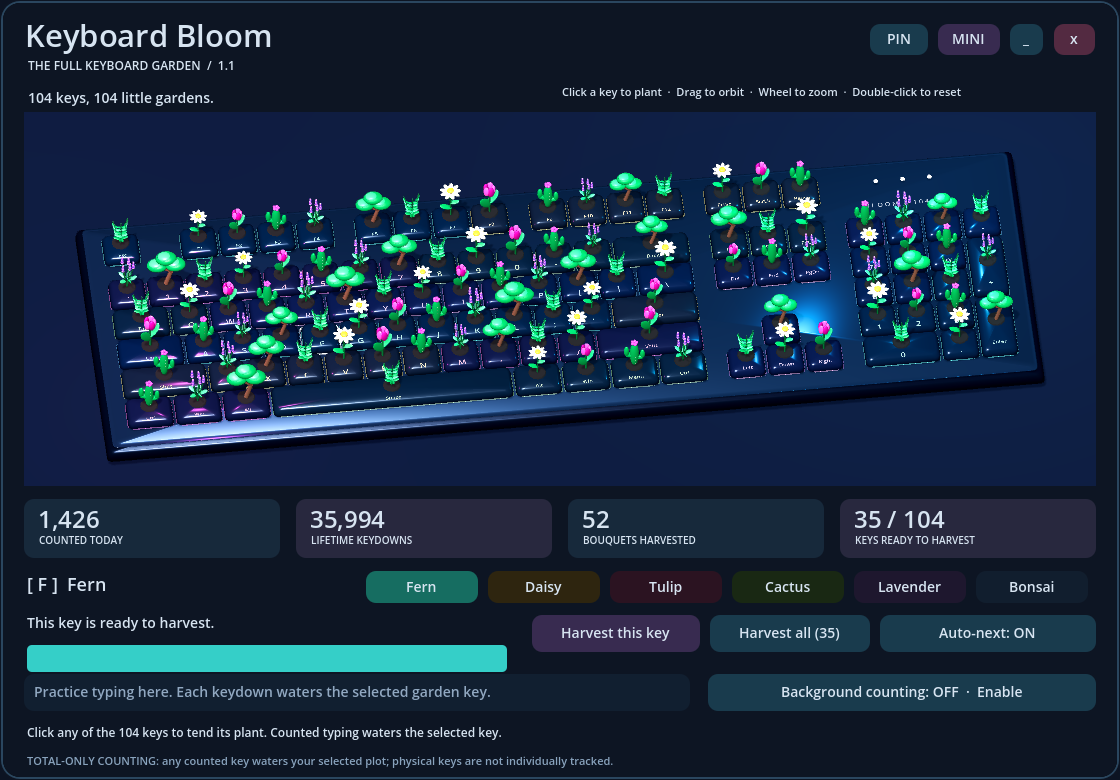
Keyboard Bloom 1.1 turns a complete 104-key keyboard into a real-time 3D garden. Plant ferns on your function keys, daisies along the number row, or a bonsai on your spacebar. Every key has its own plant and growth.
New in 1.1: every key is a garden
- A complete ANSI keyboard: main typing area, Esc and function keys, navigation and arrows, plus the full 17-key number pad.
- Click any of the 104 keys to select it, choose an unlocked plant, and keep its own growing progress.
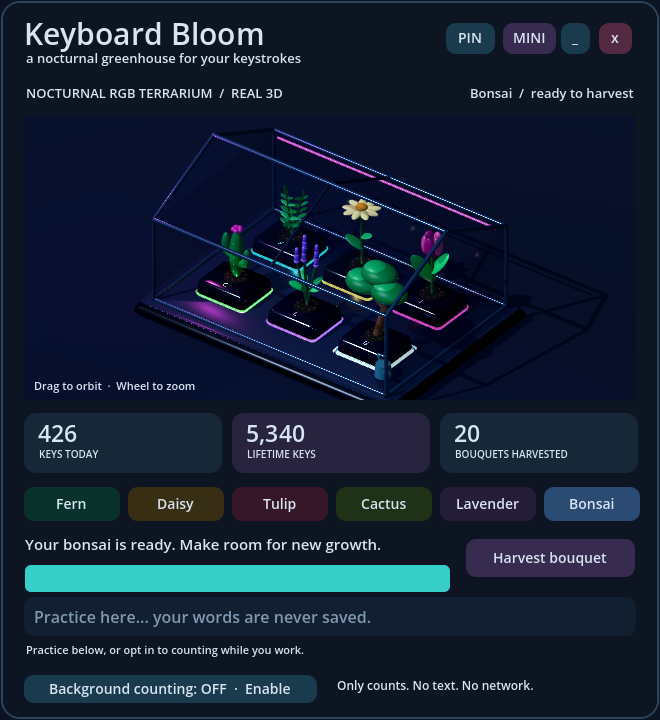
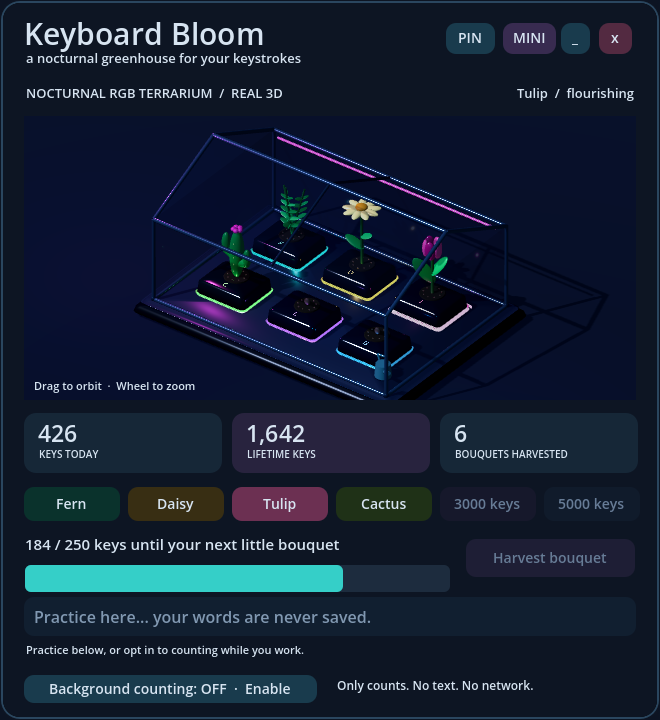
- Six original 3D plants: fern, daisy, tulip, cactus, lavender and bonsai. Lifetime typing unlocks the collection for every plot.
- Harvest individual plants or all ready plants together. Auto-next can move watering to the next key when one matures.
- Dark ceramic keycaps, RGB underglow, real plant meshes, lighting and shadows. Drag to orbit, scroll to zoom and double-click to reset.
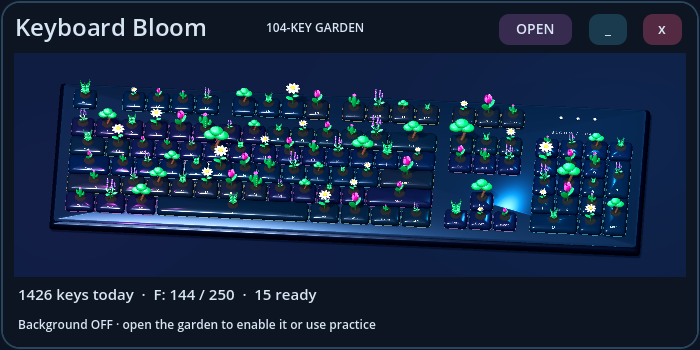
- Daily and lifetime counts, bouquet totals, a wide compact view, always-on-top toggle and automatic local saving.
Make your everyday typing grow something
Type in the practice field or opt in to the local Windows background counter. Each counted key-down waters your selected garden key; 250 grows a plant ready to harvest. Auto-next carries excess growth into the next plot. You can arrange the whole keyboard however you like.
This is total-only counting, not physical-key mapping. The counter does not identify individual keys. Any counted key waters the selected plot. Counts include held repeats, modifiers and shortcuts; they are not WPM or per-key usage statistics.
Local and private
Background counting starts OFF every launch and requires an in-app opt-in. The native helper only increments a running total; it does not read the key-code payload, save typed text, identify applications, or use the network. OFF and closing the app stop it. Practice text is never saved.
Already have 1.0?
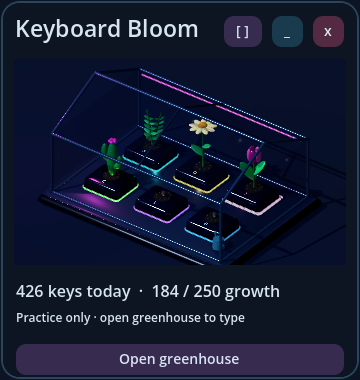
Your lifetime and daily totals, bouquets and preferences are preserved. Your original plant and its progress move safely to the Esc key, ready to expand into the other 103 plots.
Download and play
Windows 10/11, 64-bit. OpenGL 3.3 graphics support. The optional helper uses .NET Framework 4.x, included in standard Windows installations. Extract the entire ZIP and keep both EXEs together, then launch Keyboard-Bloom.exe. No installer, account, subscription or internet connection required. The interface is in English. Includes a README and third-party notices.
Original code and procedural 3D artwork created with AI assistance.
Screenshot guide: The first three images show the current 1.1 full-keyboard version. The final three are archived 1.0 screenshots showing the earlier design.
Purchase
In order to download this tool you must purchase it at or above the minimum price of $2.99 USD. You will get access to the following files:
Leave a comment
Log in with itch.io to leave a comment.